The AI brain of your payments.
One connection to all your payment providers and crypto. AI routes every payment, finds what is costing you money, and makes the change. You approve it.
Payments got complicated. Your team didn't get bigger.
Too many providers to manage
Every country, card and method wants a different provider. Each one has its own back office, its own limits and its own bad days.
Declines that cost money
A bank says no and the client leaves. Most teams only find out which provider, card or country is failing a week later, in a spreadsheet.
Teams buried in settings
Routing rules, risk rules, fees, payouts, reconciliation. Hours of clicking, and one wrong setting costs more than the day's margin.
You talk. 60Pay does it.
Most payment platforms give you a dashboard. 60Pay gives you a colleague that reads every payment, tells you what is wrong, and fixes it when you say yes.
- 01Ask
Type what you want, or tap a question on any page.
- 02AI checks your data
Every payment, try, provider and rule you have.
- 03AI proposes the change
A card that shows exactly what will change.
- 04You approve
It's live, marked "via AI", and you can undo it.
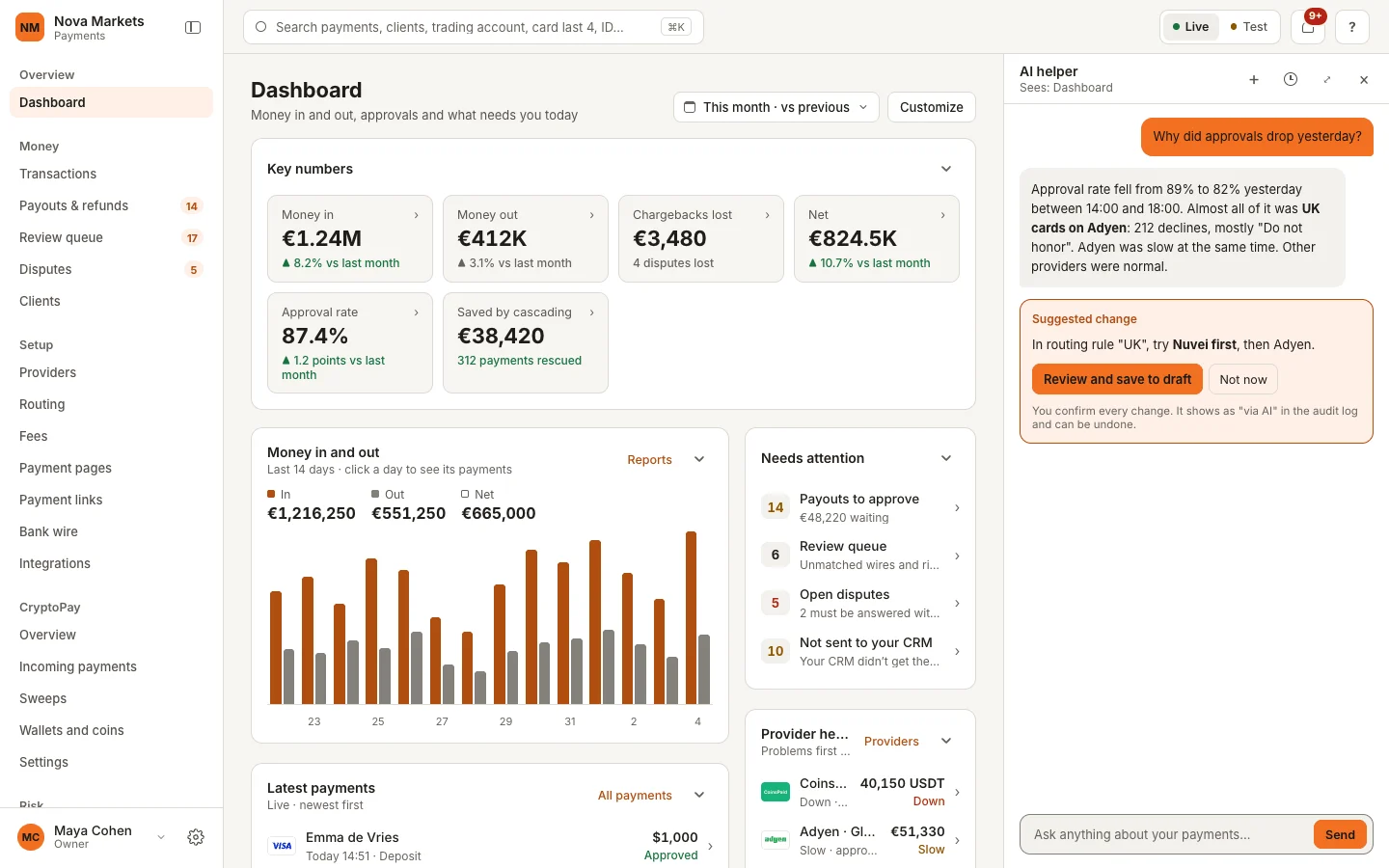
Finds the drop. Proposes the fix.
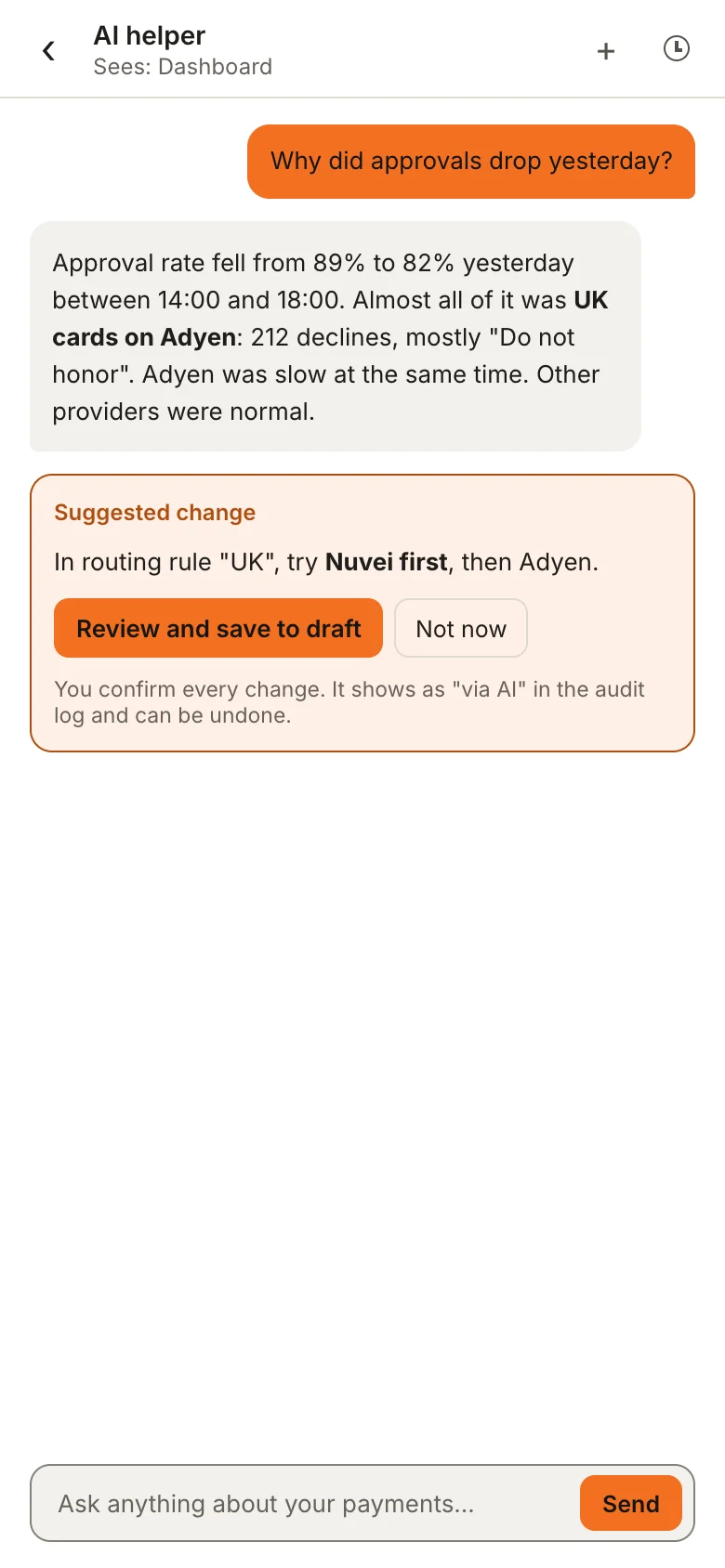
It reads every try and decline code, finds that UK cards on one provider caused most of the drop, and suggests sending them to the provider that's approving. You save it to the routing draft and publish.
- Explains the numbers in plain words
- Suggests the exact routing change
- Nothing goes live until you publish
Everything between your clients and your providers.
Eight jobs payment teams do every day. Each one can be done by hand, or by asking.
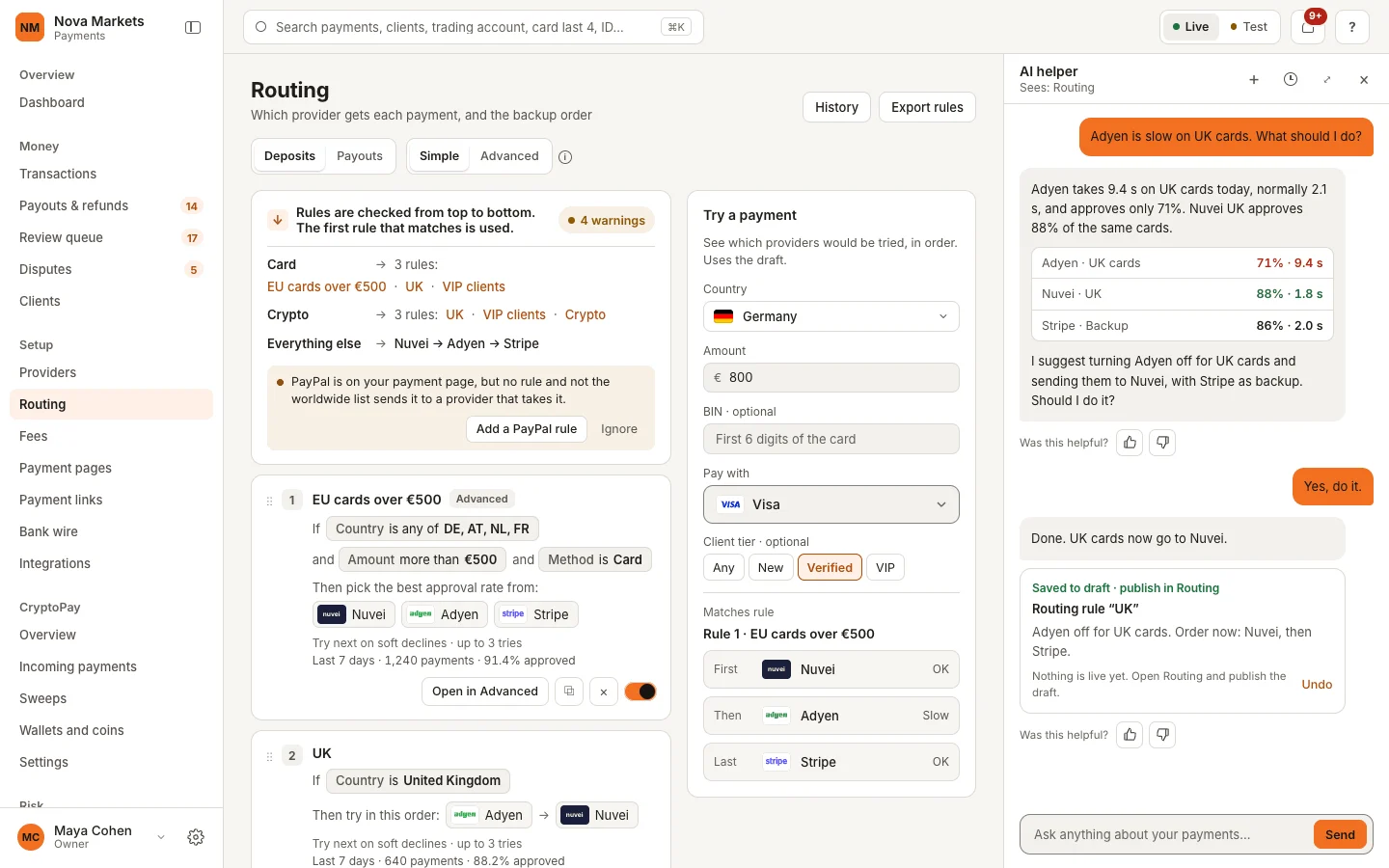
Routing & retries
Rules by country, method, amount, card and BIN. Best approval, % split or fixed order, with up to 5 tries.
Ask: "Send Brazil Visa to provider A first."Explore →Payment page & links
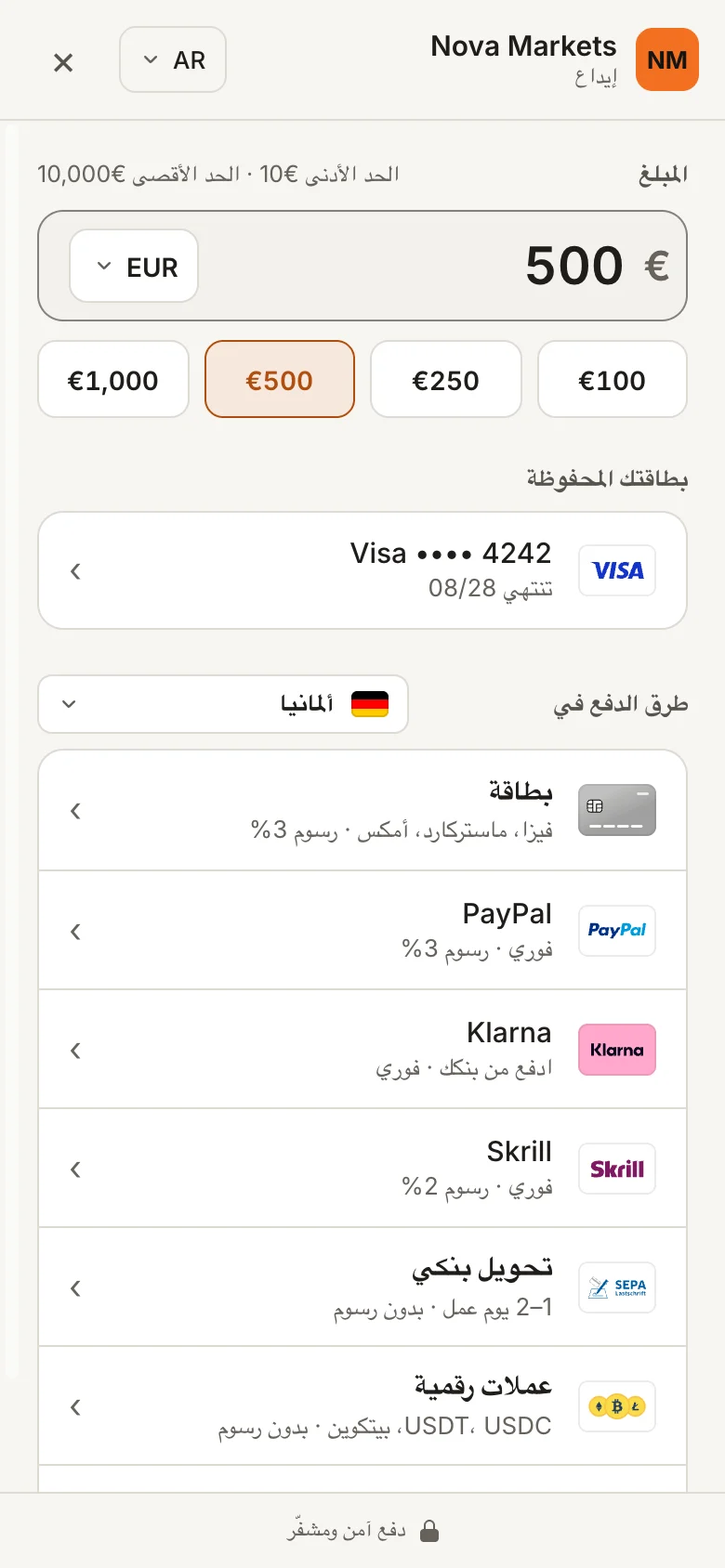
5 layouts, your brand, English and Arabic. Saved cards, payment links and subscriptions.
Ask: "Publish the new page after approval."Explore →CryptoPay
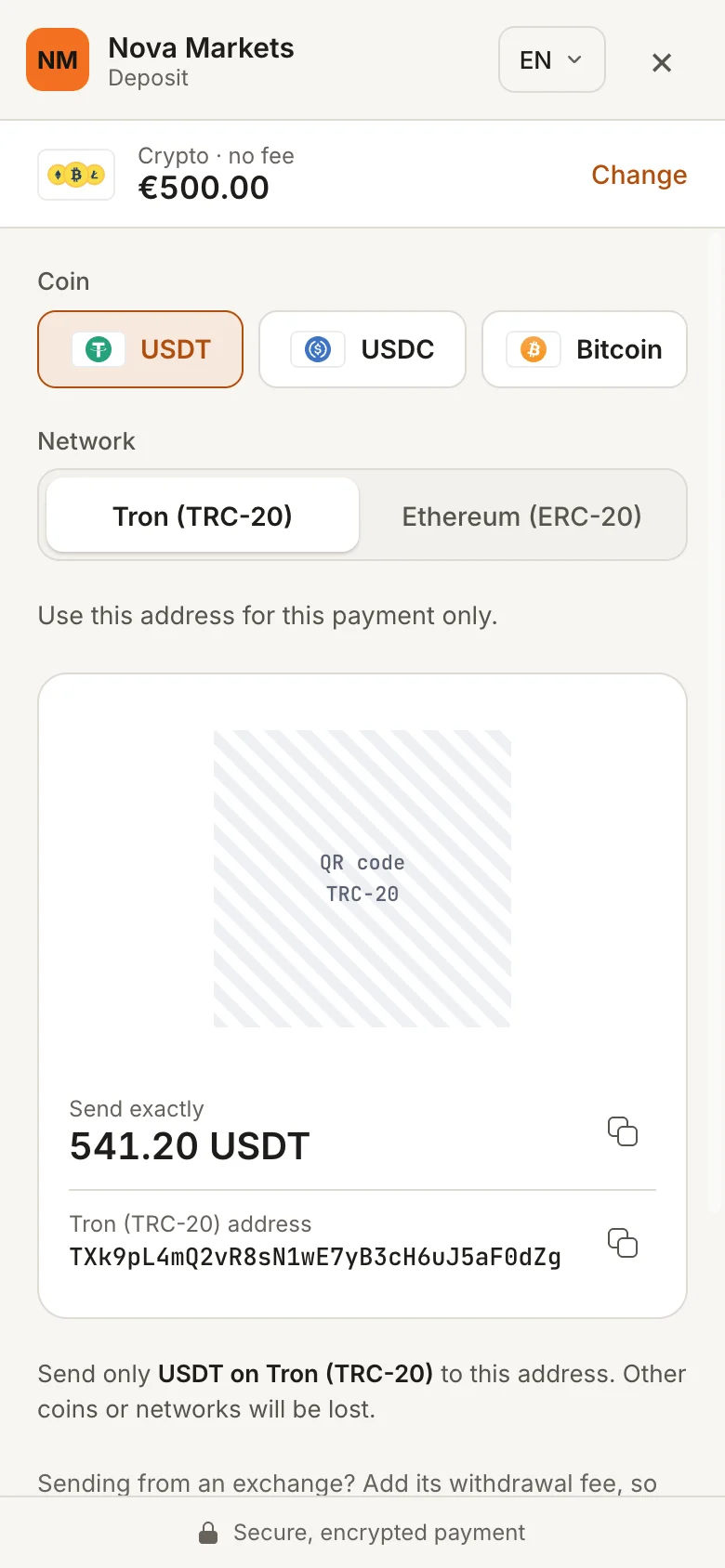
BTC and any ERC-20 or TRC-20 token in the same checkout, straight to wallets you own.
Ask: "Should I sweep now?"Explore →Payouts & refunds
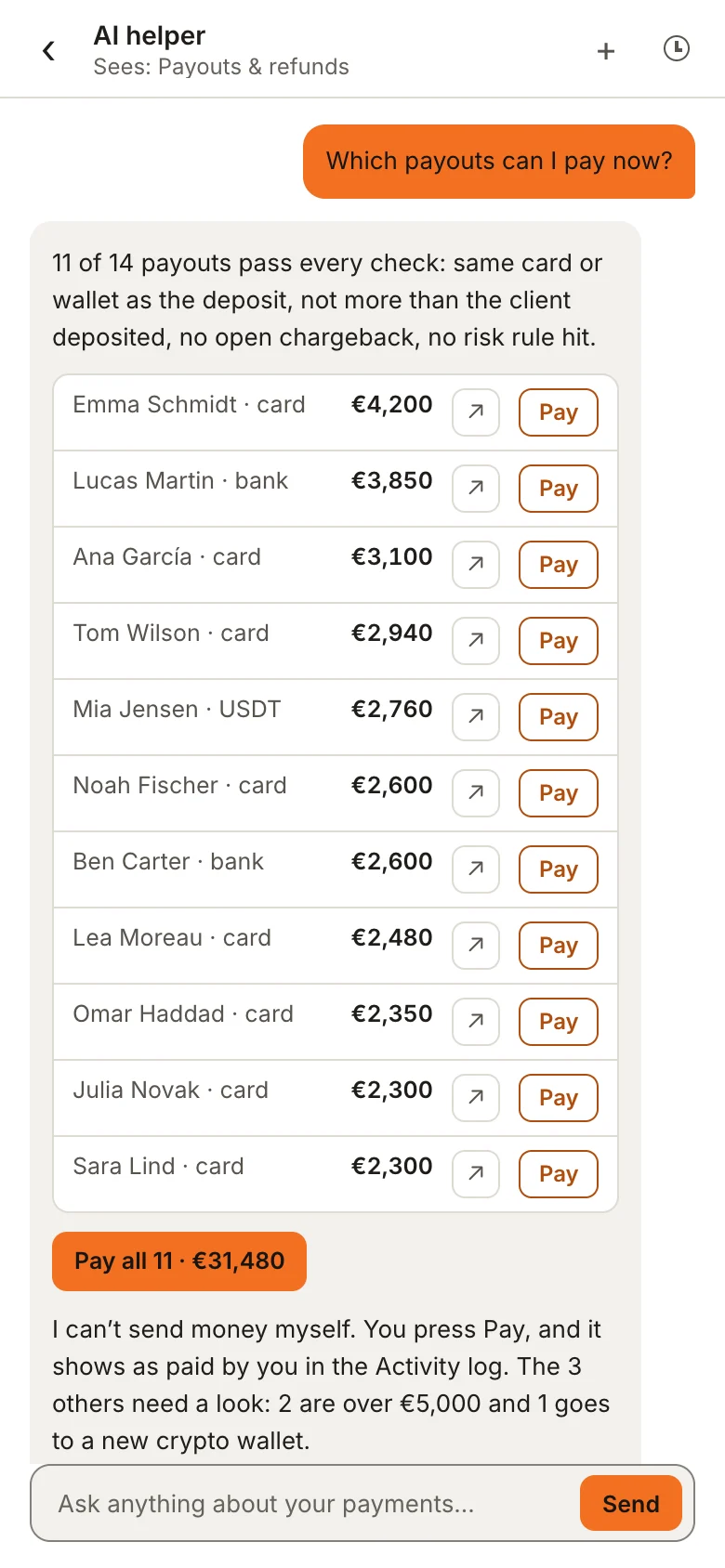
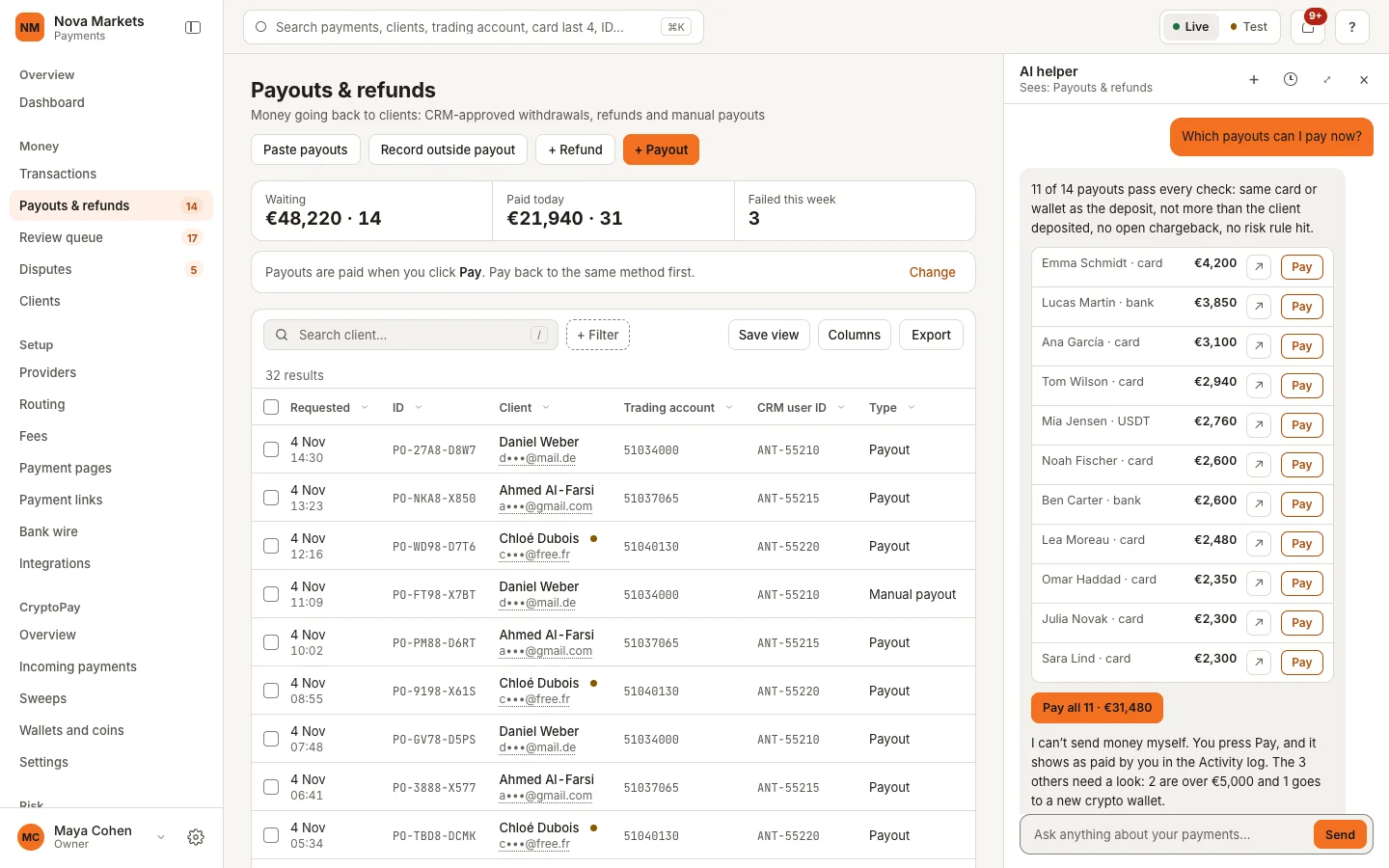
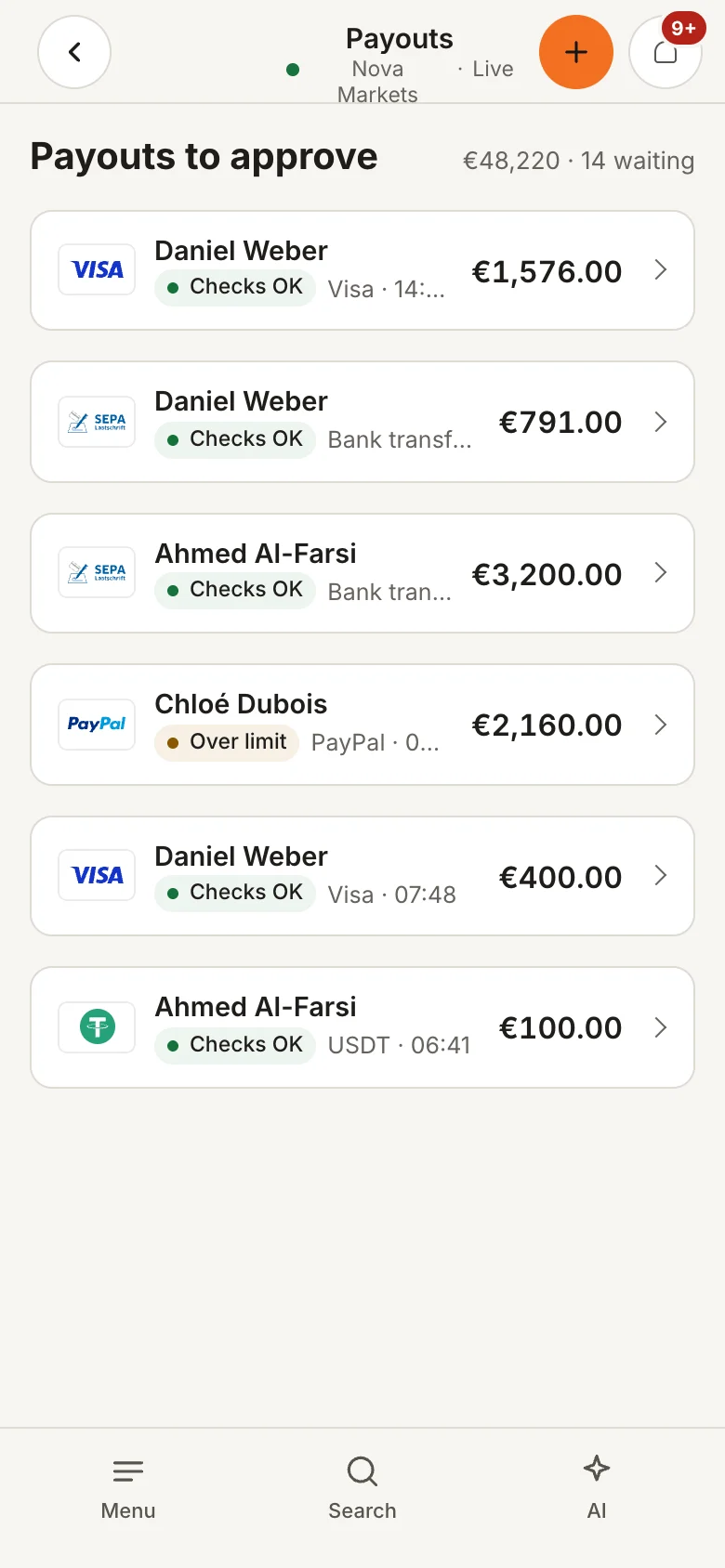
Back to the same method first. Pay one or many with your 6-digit code.
Ask: "Which payouts can I pay now?"Explore →Risk & fraud
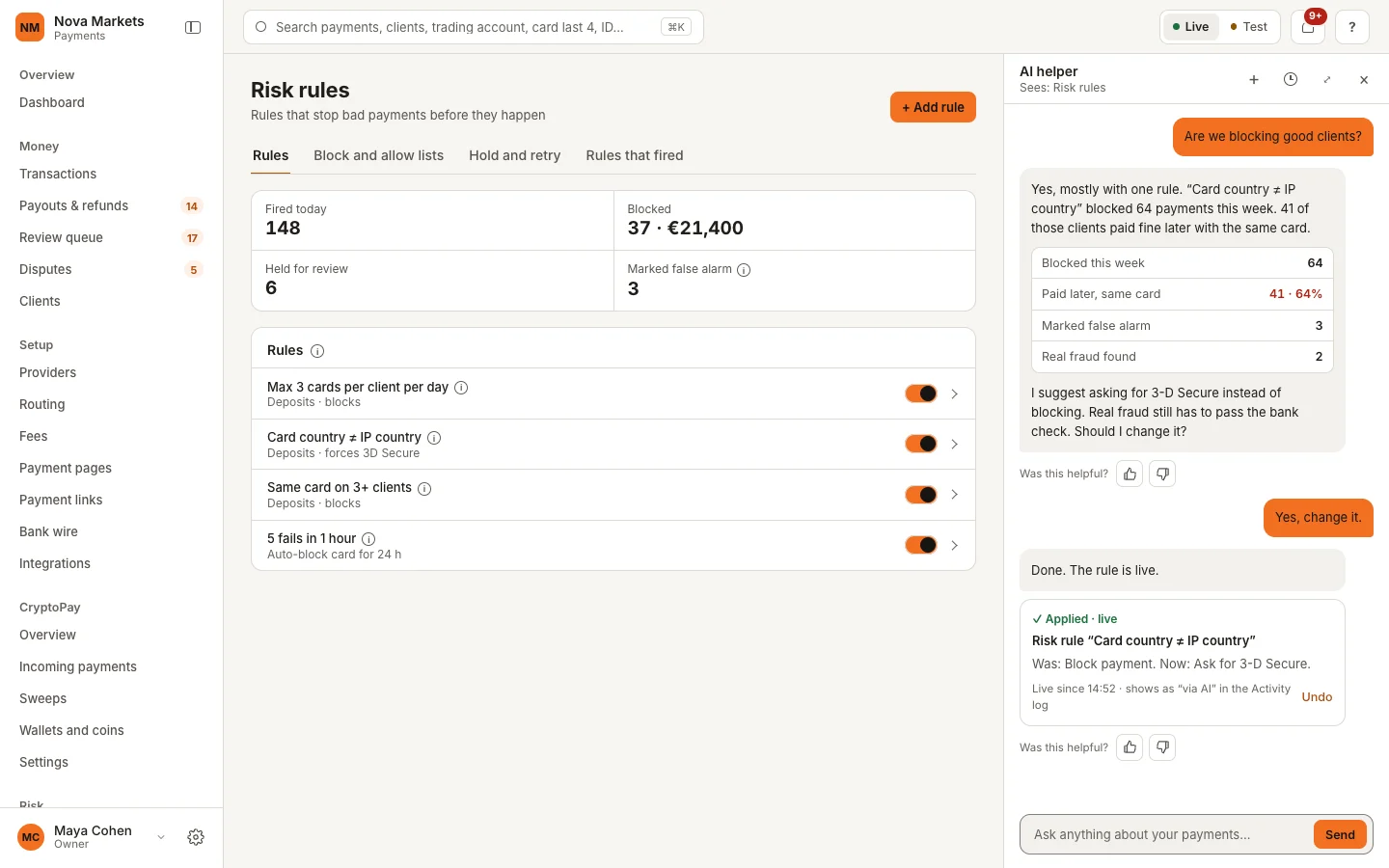
Block, 3D Secure, hold or log only. Block lists, client tiers, SEON and Sift scores.
Ask: "Are we blocking good clients?"Explore →Disputes
Reply-by dates, chargeback alerts, refund before it becomes a chargeback.
Ask: "What should I do with this alert?"Explore →Reconciliation & reports
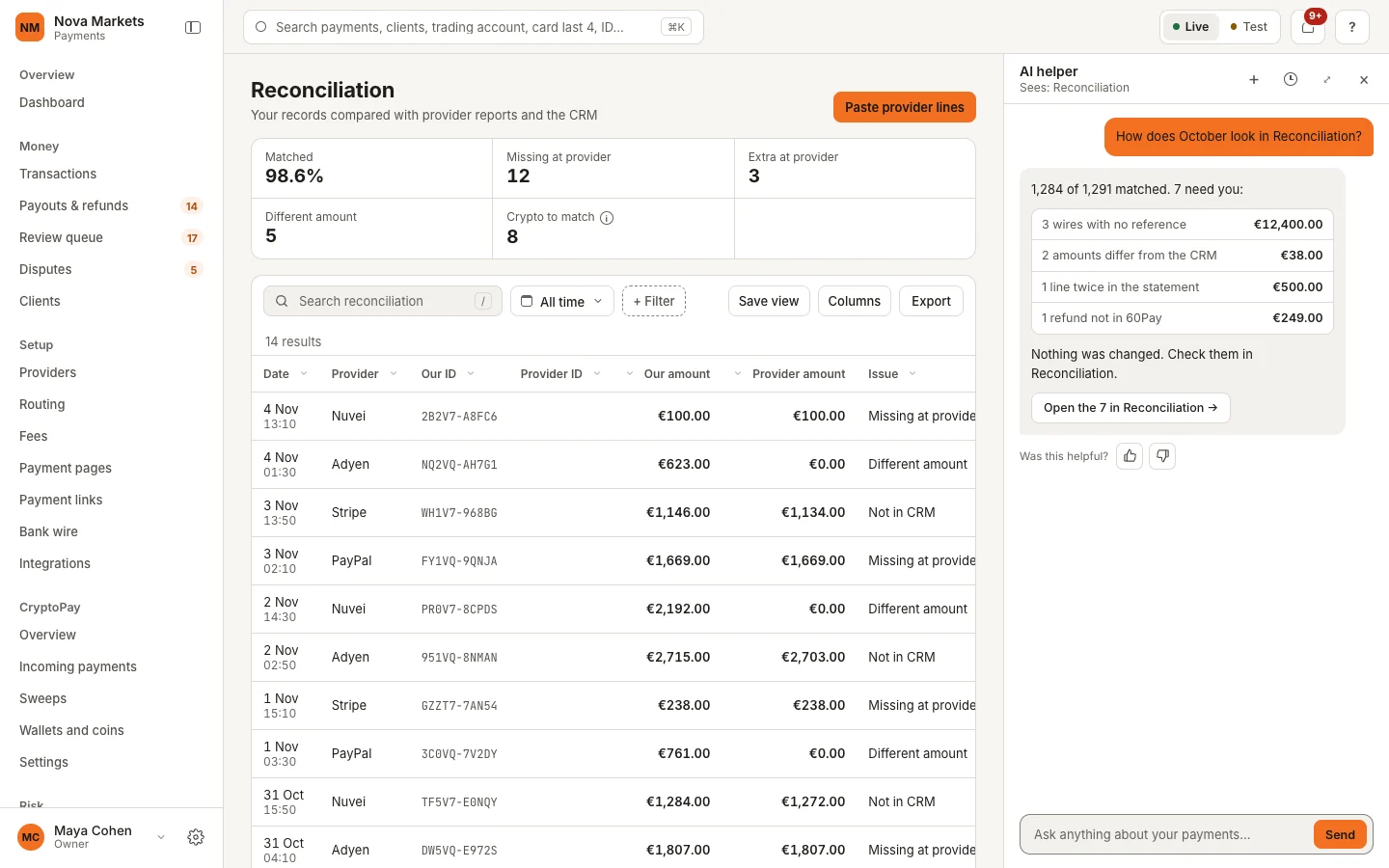
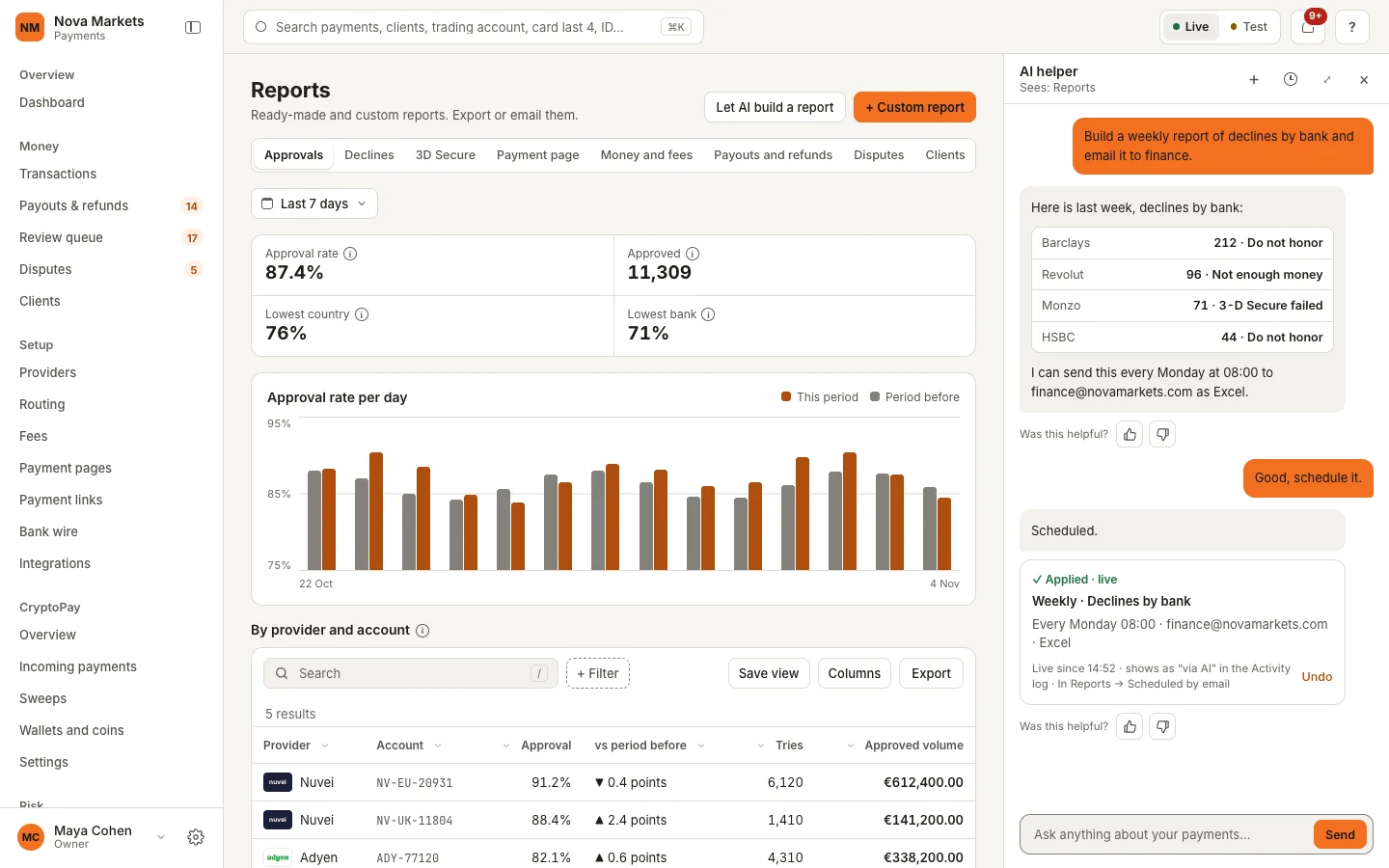
Paste provider or bank lines and see the gaps. Insights over 90 days, reports by email.
Ask: "What is not matched yet?"Explore →Integrations
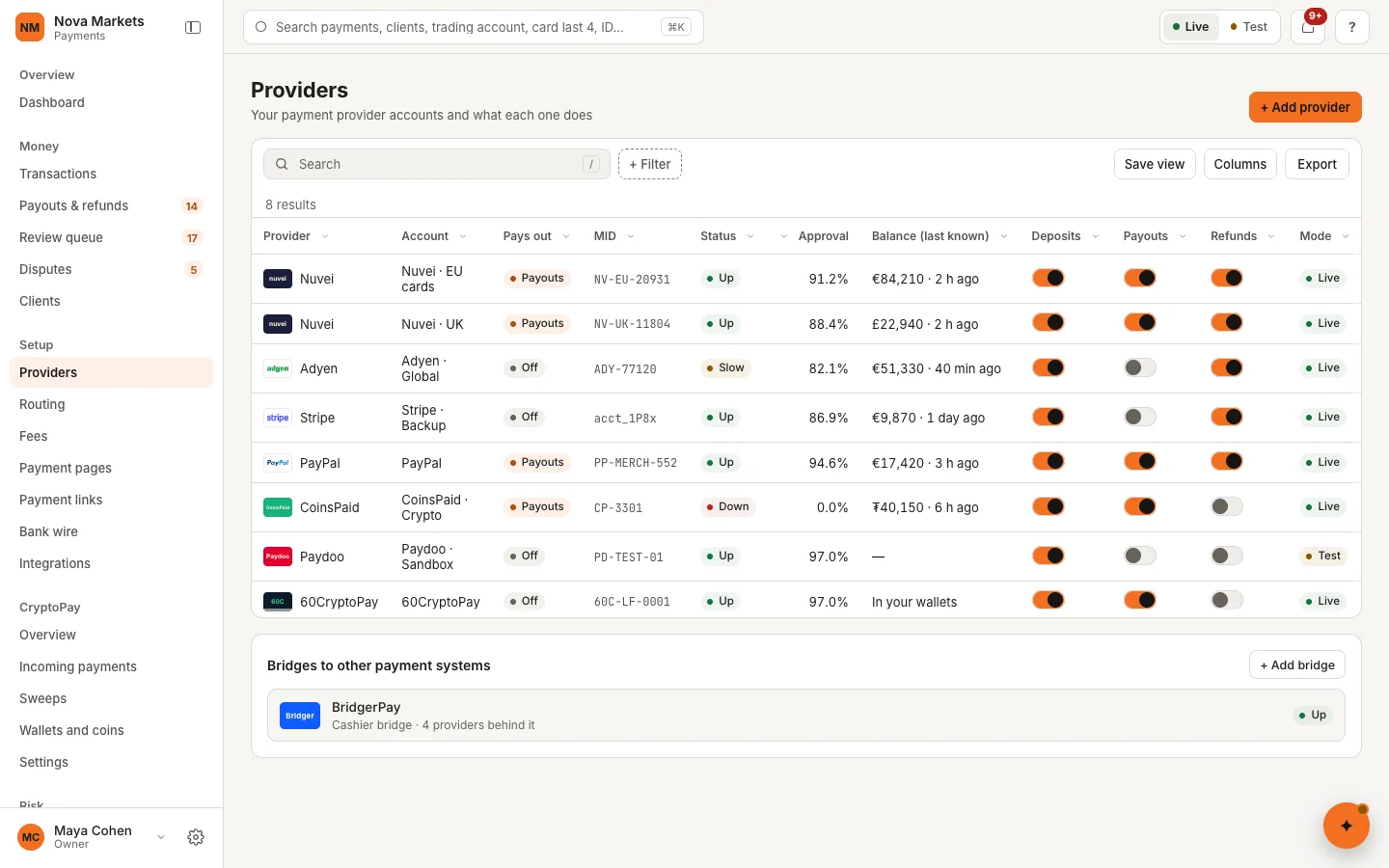
Any provider: cards, alternative methods, wire and crypto. Plus fraud checks, alerts and your CRM.
Ask: "Which provider is doing worst today?"Explore →Crypto built in, not bolted on.
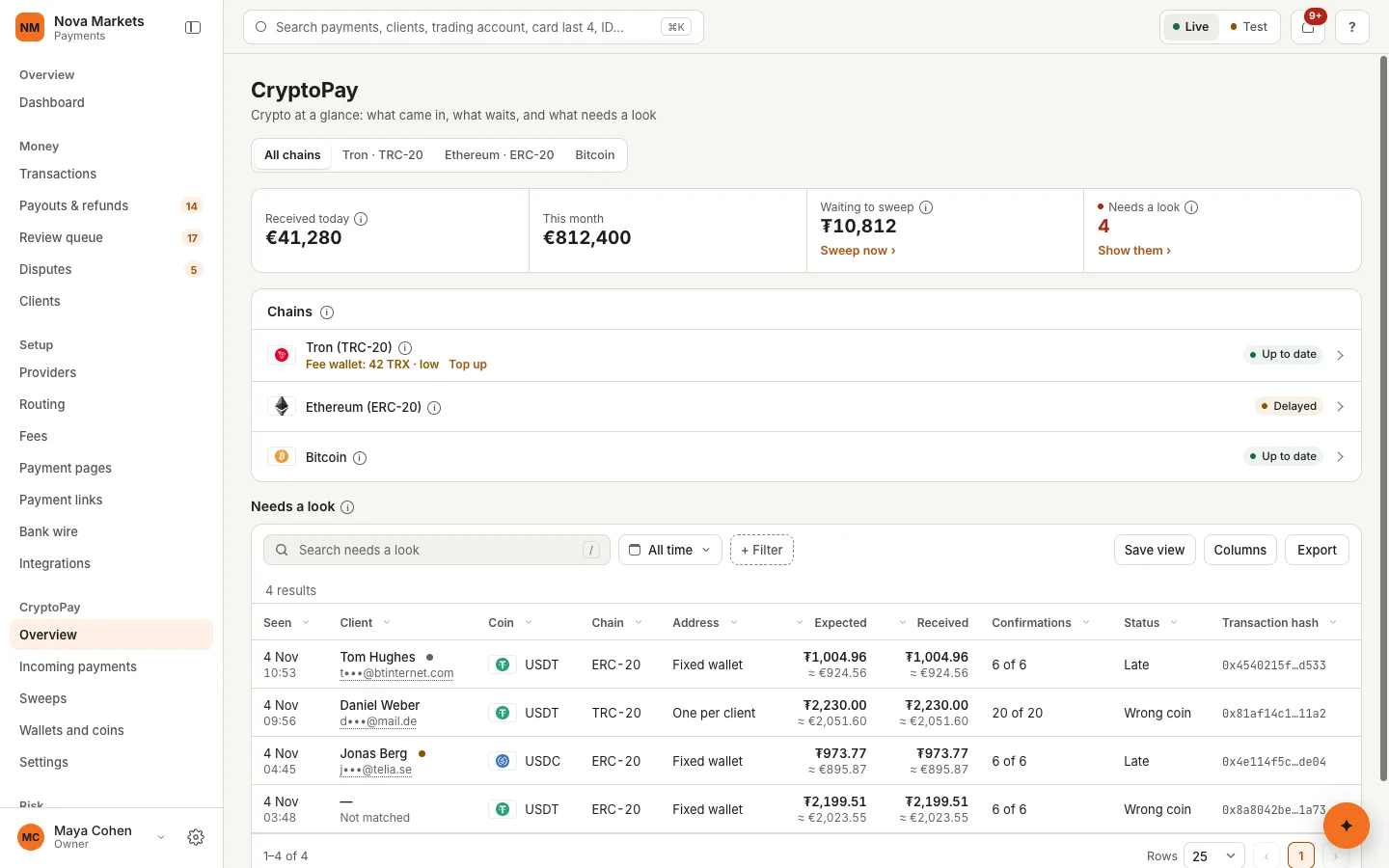
Take Bitcoin and any ERC-20 or TRC-20 token, like USDT and USDC, in the same checkout as cards. Coins go straight to your wallets. We never hold them.
- An address per client, per payment, or one fixed wallet
- Credits what arrived: no disputes over pennies
- Late coins and dust handled for you
Works with any payment provider.
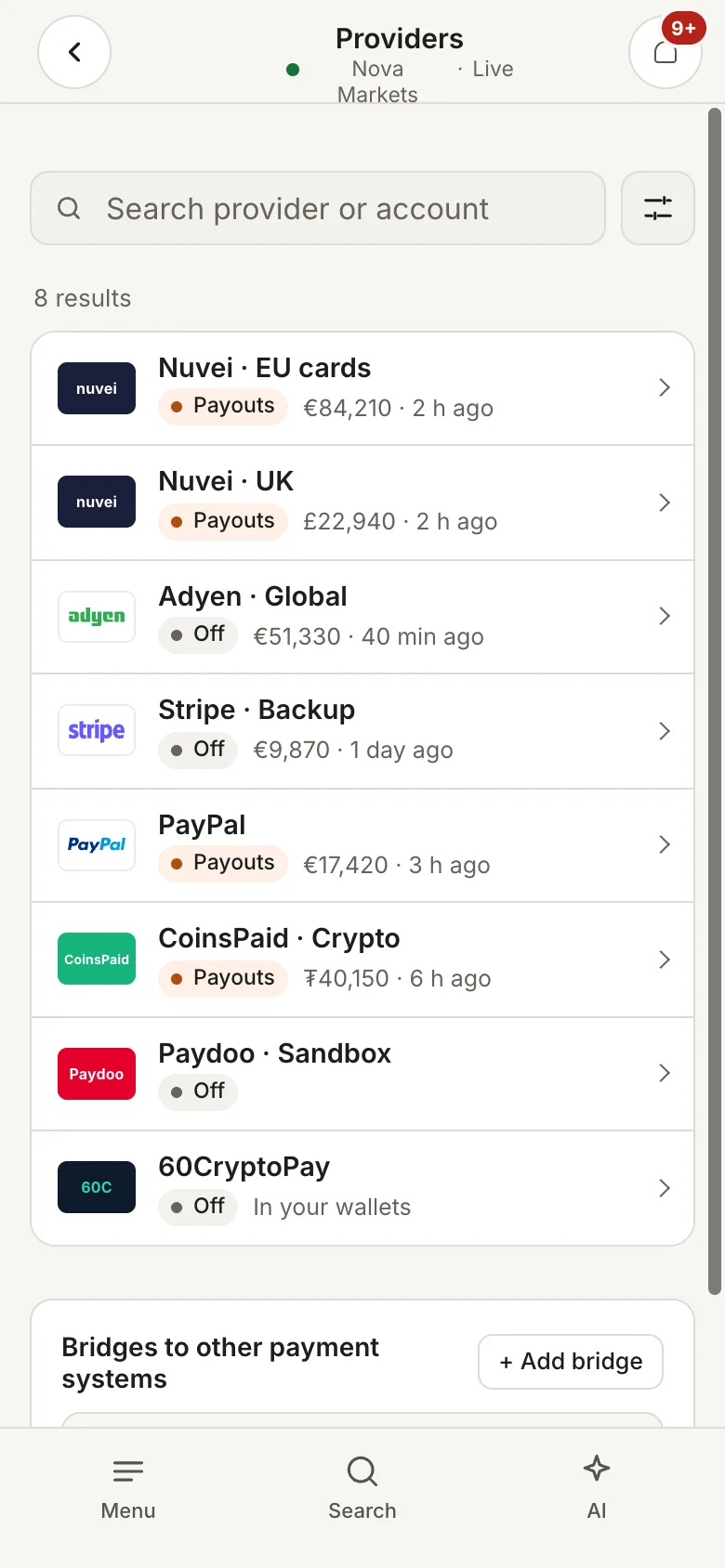
Cards, alternative payment methods, bank wire and crypto. Keep the provider accounts and prices you have and connect them in 60Pay. If yours isn't connected yet, we connect it.
Built for brokers. Ready for everyone.
Brokers run the hardest payments there are, so we built 60Pay with them first. The same platform runs prop firms, casinos and online shops.
Forex & CFD brokers
Two-way CRM link, withdrawals paid with a code, a crypto address per client, Arabic payment page.
Explore →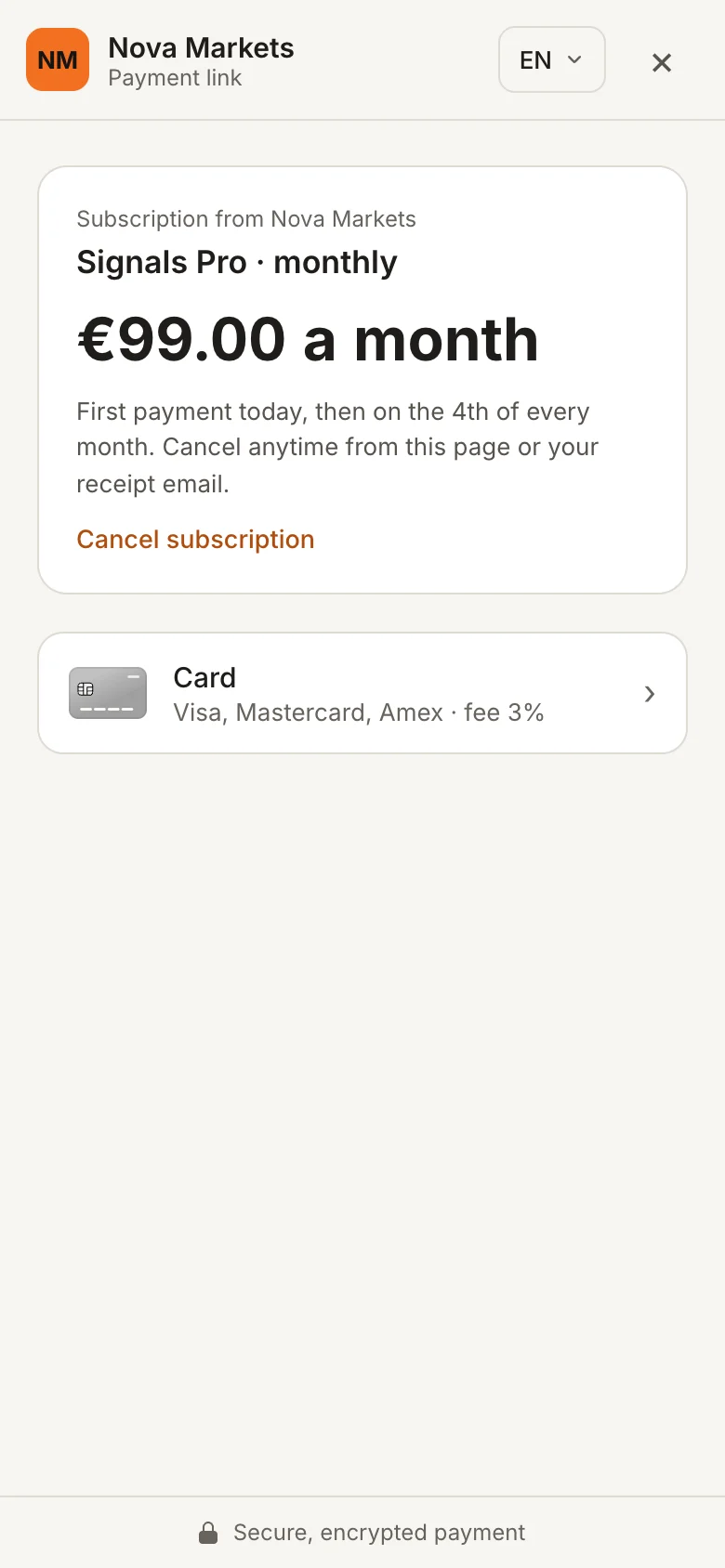
Prop trading firms
Challenge payments by card and crypto, payment links, subscriptions and trader payouts.
Explore →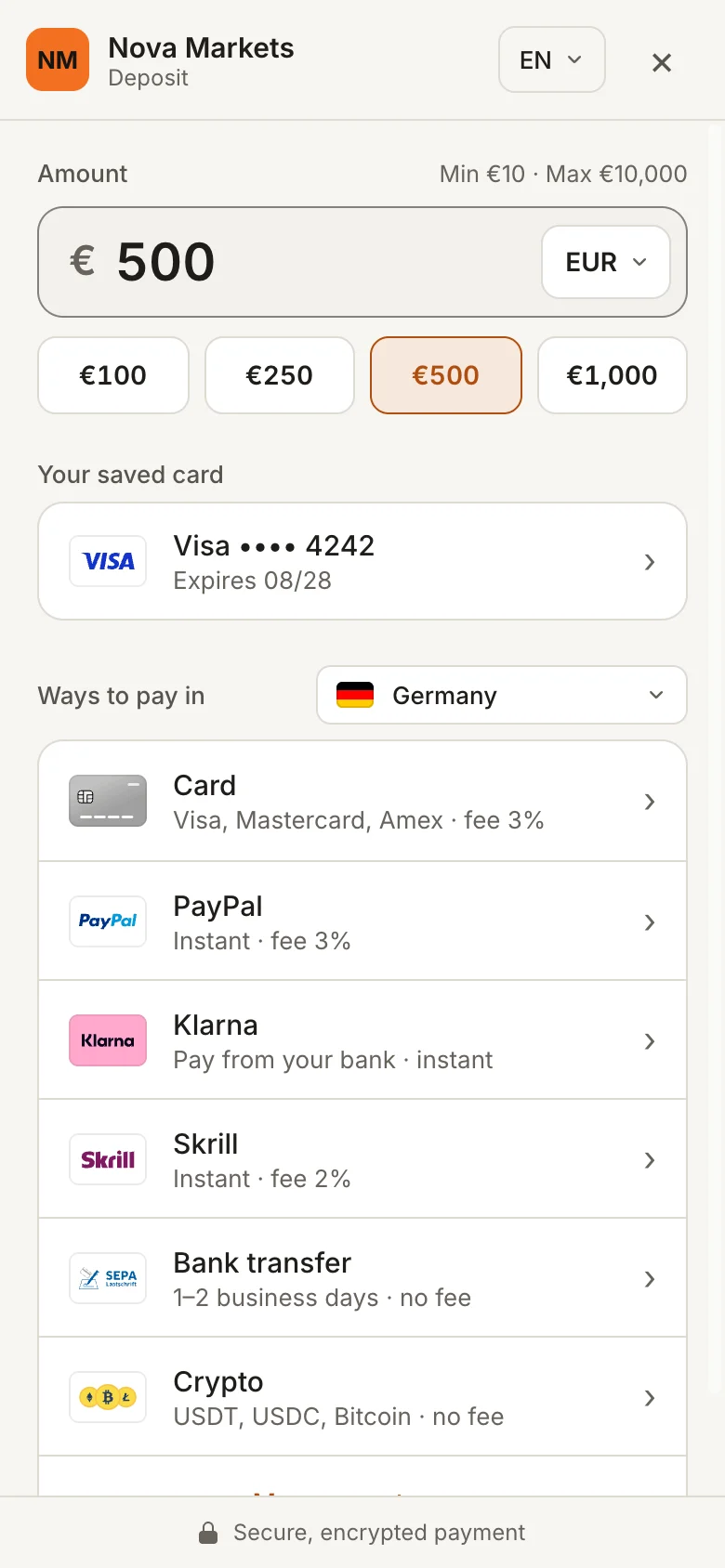
Casinos & sportsbooks
Many providers per country, retries on the next one, risk rules, crypto and payout rules.
Explore →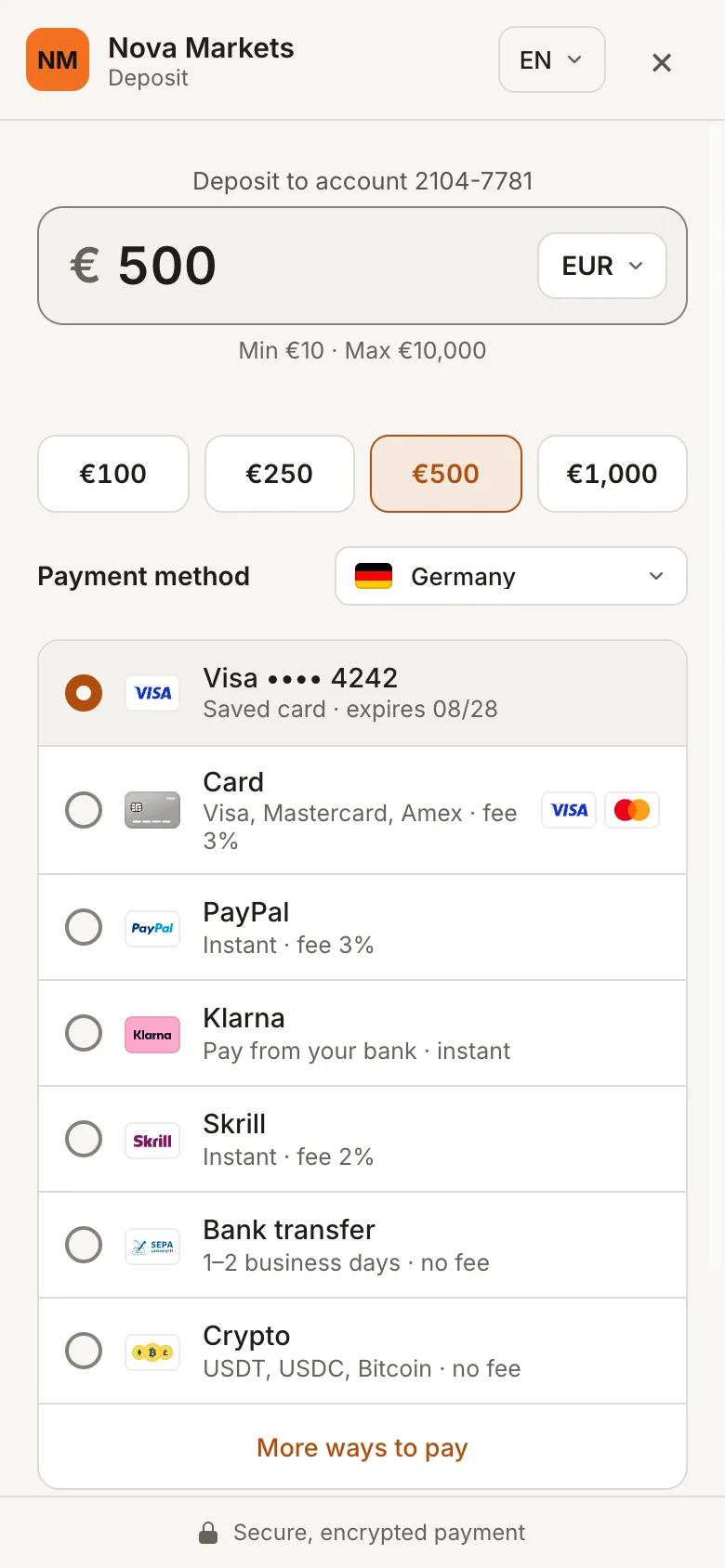
E-commerce & subscriptions
Five checkout layouts, saved cards, payment links and recurring billing with retries.
Explore →Your clients never see us.
Payment page, card fields, API, emails and receipts all run on your own domains, in your brand and from your own email sender.
For the payment page, API, back office and card fields.
Your own mail account, signed with your DKIM.
Logo, colours, texts and receipts in your name.
Shared or dedicated, with your own IP.
What's in the box, counted honestly.
Every money action needs a person and a code.
Can be required for everyone on the team.
Payouts, refunds and bookings ask for it.
Per person and for the whole company.
Who changed what, AI changes marked, with Undo.
Emails and phones masked for roles that don't need them.
Each person sees and does only their job.
Questions payment teams ask.
No. The payment page, card fields, API, emails and receipts all run on your own domains, in your brand and from your own email sender. Clients never see 60Pay or 60seconds.
No. Card and wallet payments go from your providers to your accounts. Crypto goes straight to wallets you own: 60Pay can move coins into your wallets, never out.
No. Every change needs a yes from someone whose role allows it, and sensitive ones also need their 6-digit code. Each AI change shows as "via AI" in the activity log, with Undo.
Any: card acquirers, alternative payment methods, bank wire and crypto. You keep your own provider accounts and connect them in 60Pay; if one isn't connected yet, we connect it. 60Pay picks the right one for each payment and retries on another when a bank says no.
Bitcoin, and any ERC-20 token on Ethereum or TRC-20 token on TRON, including USDT and USDC. Each network has a test network too.
Both ways. Your CRM sends clients, deposits, payout requests and manual records; 60Pay sends signed webhooks back for every result. A "Not sent to CRM" view lets you resend anything that didn't arrive.
Yes, on Enterprise: several brands, each with its own payment page and domain, on shared or dedicated servers with your own IP.
Book a demo. You test everything in test mode with test cards and test networks, then 60Pay reviews your setup with you and turns live payments on.
See your payments think.
Tell our assistant which providers and countries you run. We book a call and show 60Pay working on your setup.